Published . A 4 minute read.
Best Webcam Under $50 in 2026: 4 Honest Picks
The best webcam under $50 for Zoom, class and work calls: 4 budget 1080p picks that really stay under $50, each with an honest downside. Find yours.
Short answer
The best webcam under $50 for most people is the Logitech Brio 101. It's a 1080p camera from a trusted brand, with automatic light correction, a privacy shutter and a built-in mic, and it often sells for $25 to $40. It works with Zoom and Teams the moment you plug it in. One caveat: its 58° view is narrow, so pick the NexiGo N60 if you need wider framing.
Affiliate links inside. We may earn a commission; it never changes a pick. Details.
Logitech Brio 101$39.99 list (often $24–$30 on sale)
It's a trusted brand with a huge base of buyer reviews, it costs under $40 and needs no setup, and it improves on most laptop cameras.
The catch: the 58° fixed-focus view is narrow and it only has a USB-A plug.
| Pick | Price | Score | Best for | Buy |
|---|---|---|---|---|
| Logitech Brio 101Best overall | $39.99 list (often $24–$30 on sale) | 4.5 | remote workers, students and parents who want something that just works | See price |
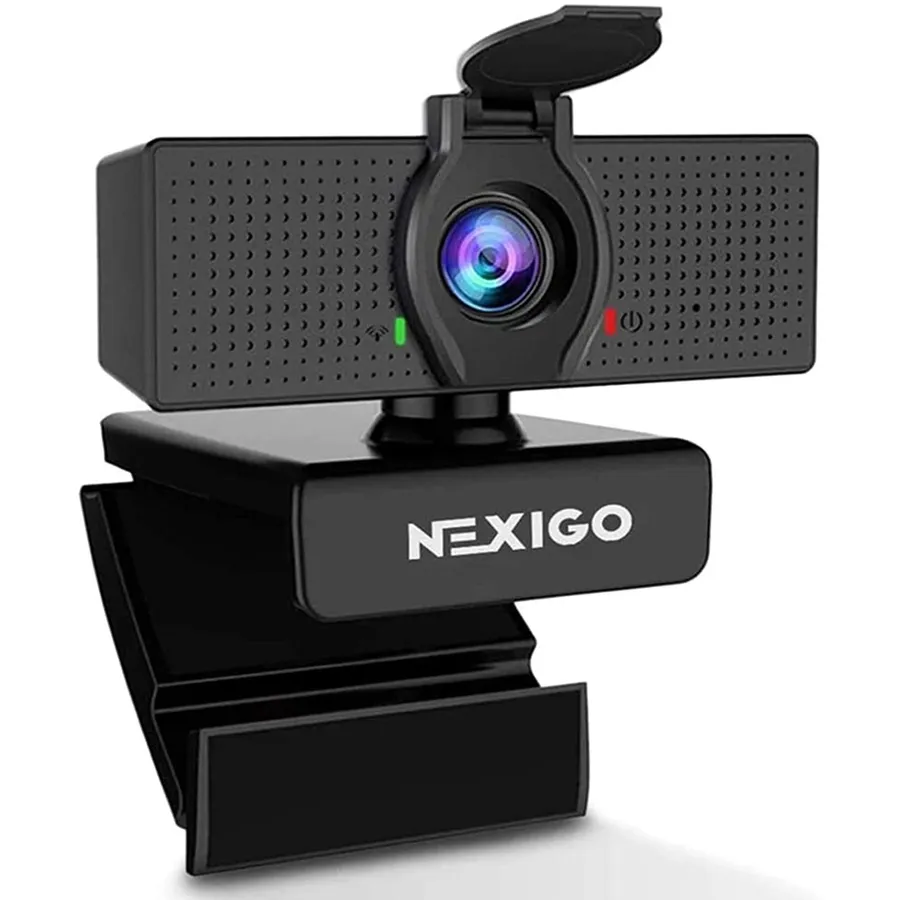 NexiGo N60Best value NexiGo N60Best value | about $28 | 4.0 | tight budgets, two people in one frame, whiteboard calls | See price |
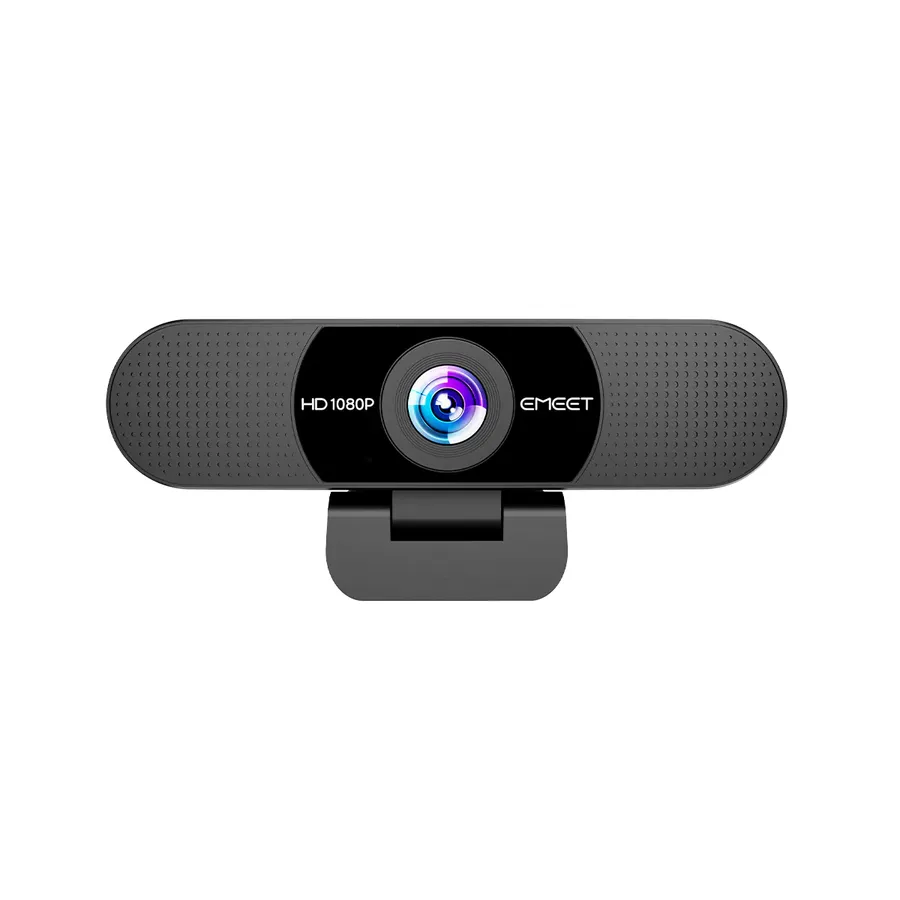 EMEET C960 (2025 version)Best for USB-C laptops EMEET C960 (2025 version)Best for USB-C laptops | about $27 | 4.0 | students and Mac users with only USB-C ports | See price |
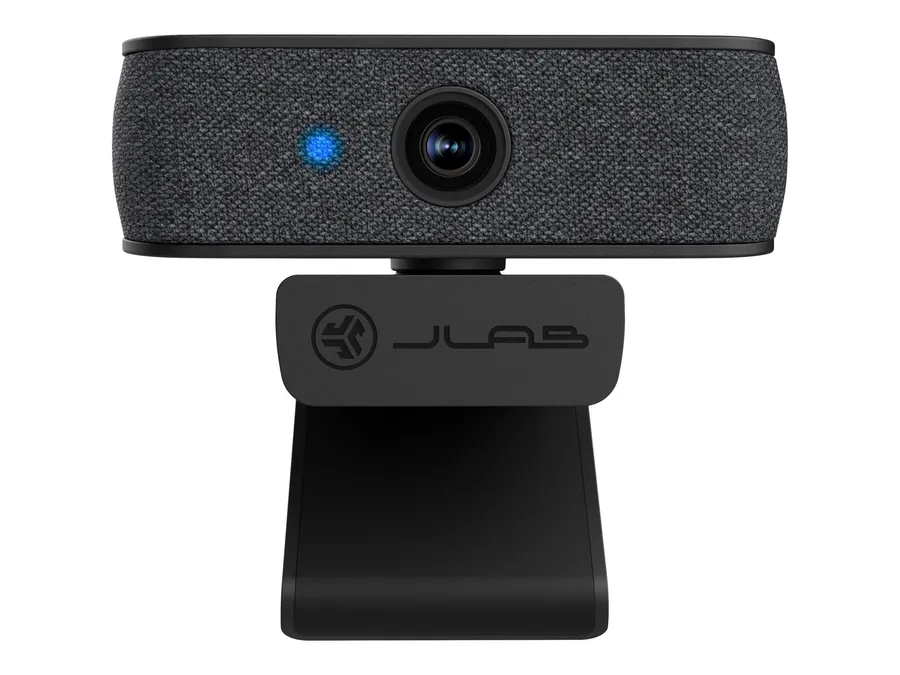 JLab JBuds CamBest for style JLab JBuds CamBest for style | $47.49 (list $59.99) | 3.5 | style-minded students and creators who want something that doesn't look like office gear | See price |
Your laptop camera makes you look like a grainy witness-protection interview, and you’d rather not spend more than a nice dinner fixing it. Good news: the best webcam under $50 in 2026 is a plain, honest 1080p camera from a brand you’ve heard of. Here are four picks that actually stay under the cap, plus when to skip buying one at all.
How we chose these budget webcams
We didn’t put these cameras on our own desks. Instead, we pulled together what reviewers (TechRadar, PCGamesN) and thousands of buyers on Amazon, Best Buy and Reddit keep saying, then checked live listings and price history. Every pick had to clear four bars:
- Actually under $50. Lots of “under $50” lists slip in the Logitech C920x. It sells for around $70 now, so it’s out.
- True 1080p. We skipped 720p leftovers like the LifeCam HD-3000 and the C270. Your laptop probably does 720p already.
- A real listing from a real brand. No 4.9-star mystery cameras with 800 reviews. If we couldn’t confirm a product page, the camera didn’t make the list.
- Plug-and-play on Zoom, Teams and Google Meet. No drivers, no fuss.
What should you look for in a cheap webcam?
Pay attention to three specs and mostly ignore everything else.
Field of view. About 60° frames your head and shoulders. 90° to 110° fits a second person or a whiteboard, but it also shows your laundry pile.
Connector. Almost every budget webcam uses a USB-A plug. If you have a USB-C-only MacBook, look for one that ships with an adapter, or plan on a $10 dongle.
Mic expectations. Built-in webcam mics beat most laptop mics, but they still pick up room echo. If you’re on calls all day, earbuds with a mic will sound better than any $30 camera.
And a quick myth-buster: a real 4K webcam under $50 basically doesn’t exist from trusted brands. The cheapest decent 4K models start around $70. For a budget webcam for Zoom, 1080p is the sweet spot.
The best webcams under $50, explained
Logitech Brio 101: the safe default
This is the one we’d hand to a parent, a student or a new remote worker without a second thought. It does 1080p at 30fps, uses Logitech’s RightLight to brighten dim rooms, and has a slide-over privacy shutter plus a built-in mic. Reddit owners keep praising the same thing: plug it in and it just works, no app needed. Its list price is $39.99, and it regularly drops into the mid-$20s on sale. The catch is a fairly tight 58° view and a fixed focus, so it suits sitting at a desk better than demos.
NexiGo N60: the cheapest one we’d trust
If you want a 1080p webcam under $50 with money left over, the N60 usually sells for under $30. Its 110° wide-angle lens fits more of the room, and NexiGo’s free software lets you zoom and reframe so you’re not lost in the shot. It’s a long-running Amazon staple with years of price history behind it, not a pop-up brand.
EMEET C960: best for USB-C laptops
The C960 (2025 version) is our pick for MacBook and USB-C laptop owners because a USB-A-to-C adapter comes in the box. You get 1080p, a 90° view and two noise-canceling mics, which help a bit in shared spaces. It’s a solid, practical choice for students who need the best webcam under $50 for online classes.
JLab JBuds Cam: the one with personality
TechRadar’s budget pick swaps faceplates, clips onto most screens and shoots a 93° view at 1080p. Listings don’t agree on whether it has autofocus, so don’t buy it for that. Be honest with yourself about price, too. JLab lists it at $59.99, so it only makes this list when it’s discounted, as it is at Walmart right now.
Is it worth stretching past $50?
Sometimes. If you stream, present products on camera or work in tricky light, the Logitech C920x (about $70), Elgato Facecam Neo ($59.99) and OBSBOT Meet SE ($69) are noticeable steps up. For everyday calls, the gap is smaller than the price jump suggests.
Who should skip this
- Newer MacBook owners in decent light. Recent MacBooks already have 1080p cameras. A $20 ring light or a seat facing a window will improve your look more than a new webcam will.
- Anyone chasing great audio. Spend the money on a headset or a USB mic first.
- Streamers who want a crisp image after dark. Budget sensors get noisy in low light. Save for the next tier up.
Bottom line
For most people, the Logitech Brio 101 is the best webcam under $50: trusted brand, privacy shutter, zero setup. Want the lowest price? Get the NexiGo N60. Only have USB-C ports? Get the EMEET C960. Add a cheap light, sit facing it, and you’ll look better on your next call than half your coworkers.
The picks, in detail
1. Logitech Brio 101
Best overallA sharp 1080p picture with automatic light correction, a privacy shutter and a built-in mic, from the most trusted name in webcams. Plug it in and it works with Zoom, Teams, Meet and even Switch 2 GameChat.
- Best for
- remote workers, students and parents who want something that just works
- The catch
- the 58° fixed-focus view is narrow and it only has a USB-A plug.
2. NexiGo N60
Best valueA 1080p camera with a wide 110° view, a privacy cover and a noise-canceling mic, for less than a takeout order. Free software lets you zoom and reframe so the wide lens doesn't swallow you.
- Best for
- tight budgets, two people in one frame, whiteboard calls
- The catch
- the wide view shows more of your room, clutter included.
3. EMEET C960 (2025 version)
Best for USB-C laptopsIt ships with a USB-A-to-C adapter, so it works with a USB-C-only MacBook or Chromebook right away. Two noise-canceling mics and a 90° view make it a practical dorm and home-office cam.
- Best for
- students and Mac users with only USB-C ports
- The catch
- EMEET is less established than Logitech, and Macs ask for camera and mic permissions the first time.
4. JLab JBuds Cam
Best for styleTechRadar's budget favorite pairs 1080p video and a 93° view with swappable fabric faceplates that match your setup. Its adjustable clip fits most laptop and monitor screens.
- Best for
- style-minded students and creators who want something that doesn't look like office gear
- The catch
- it's only under $50 on sale, and listings disagree on whether it has autofocus.
Questions people ask
Is a $30 webcam worth it vs a laptop camera?
Yes, if your laptop camera is 720p, and many still are. A $25–$40 1080p webcam like the Logitech Brio 101 gives you sharper detail, better handling of dim light and a more flattering eye-level angle on top of a monitor. If your laptop already has a 1080p camera, buy a small light first. It often makes a bigger difference.
Do cheap webcams work with a USB-C MacBook?
Yes, with an adapter. Most budget webcams use a USB-A plug, so a USB-C-only Mac needs a USB-C-to-A adapter or a hub. The EMEET C960 includes one in the box. macOS supports standard USB webcams without drivers, but the first time an app uses the camera, you'll need to allow camera and microphone access in System Settings.
Can you get a 4K webcam under $50?
Not a good one from a trusted brand. The 4K webcams reviewers rate well, like the EMEET SmartCam S600 and OBSBOT models, start around $70. Sub-$50 "4K" cameras from unknown brands are hard to verify and have thin reviews. Video call apps usually stream at 720p or 1080p anyway, so a solid 1080p camera is the smarter buy.
Which is better, the Logitech Brio 101 or the NexiGo N60?
The Logitech Brio 101 is better for most people. It has a stronger brand track record, light correction and true plug-and-play setup. The NexiGo N60 wins if you want a wider 110° view or the lowest price, usually under $30. Pick the Brio for solo desk calls and the N60 if you share the frame or present a whiteboard.
What is the best webcam for students under $50?
The EMEET C960 is a strong pick for students, especially those on a USB-C MacBook or Chromebook, because it includes a USB-C adapter and has two mics for noisy dorms. If your laptop has a USB-A port, the Logitech Brio 101 is the simpler choice. Both handle Zoom classes and Google Meet with no extra software.
P.S. You read the whole thing, which means you care. Logitech Brio 101 is the one, or NexiGo N60 if you're watching the budget.
Get the next verdict on Telegram