Published . A 5 minute read.
Best Portable Monitor Under $200: 3 Honest 2026 Picks
The best portable monitor under $200 for laptops and travel: 3 honest picks, the one-cable check, and the catch for each. Find yours fast.
Short answer
The best portable monitor under $200 for most people is the Arzopa Z1FC. It's a 16.1-inch 1080p IPS screen with a 144Hz refresh rate, 106% sRGB color and a built-in kickstand, and it often sells for around $100 to $130. PCWorld calls it the best budget portable monitor. The caveat: reviewers found it better for work than for the gaming it's marketed for.
- Arzopa Z1FC: the default pick for laptop work and travel, at about $100–$130.
- MSI Pro MP165 E6: spreadsheets and email on the cheap, often under $80.
- Arzopa Z3FC: you want 2.5K sharpness and 180Hz for less than $170.
Affiliate links inside. We may earn a commission; it never changes a pick. Details.
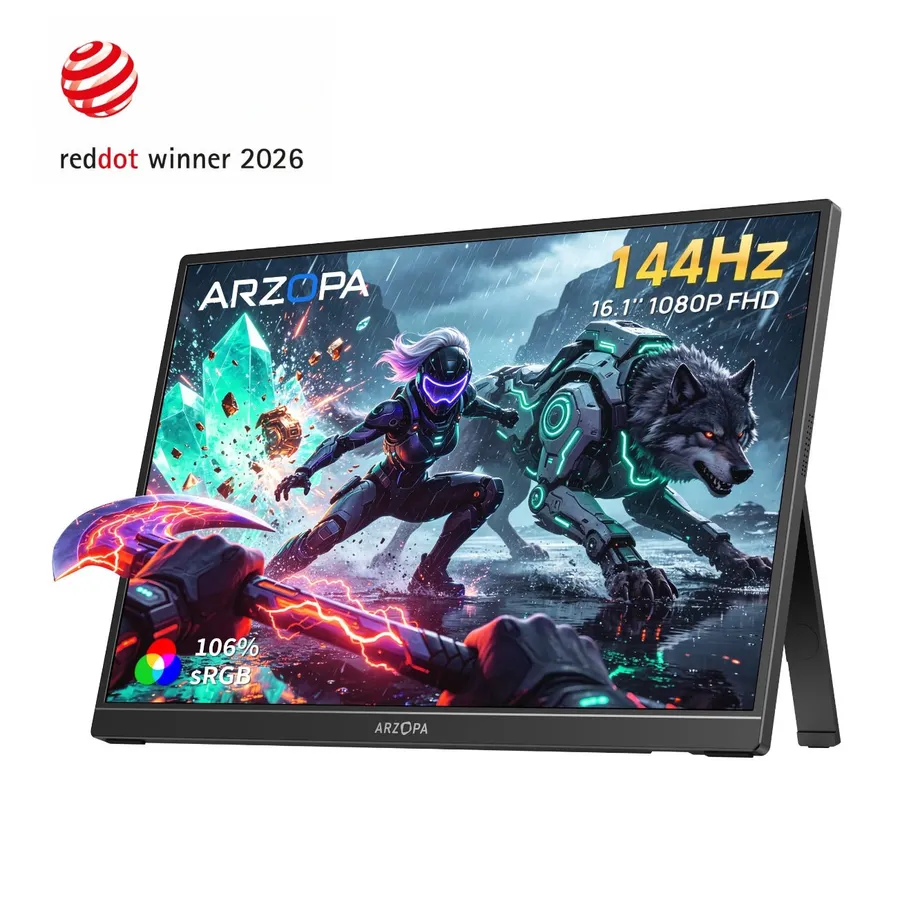
Arzopa Z1FC$129 list (often about $97–$109)
A picture good enough to compete with screens that cost twice as much, at a price low enough that you won't feel bad about stuffing it in a backpack.
The catch: marketed for gaming, but reviewers found it better suited to everyday work
| Pick | Price | Score | Best for | Buy |
|---|---|---|---|---|
| Arzopa Z1FCBest overall | $129 list (often about $97–$109) | 4.5 | laptop workers and frequent travelers who want one reliable second screen | See price |
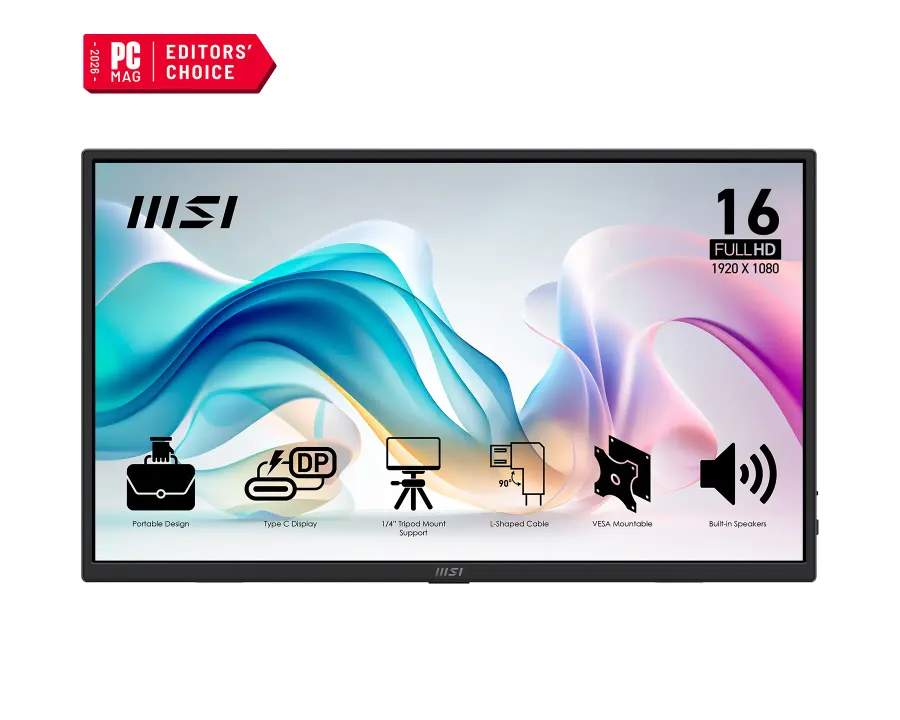 MSI Pro MP165 E6Best value MSI Pro MP165 E6Best value | $95 list (often $65–$80) | 4.0 | budget buyers who mostly work with docs, email and spreadsheets | See price |
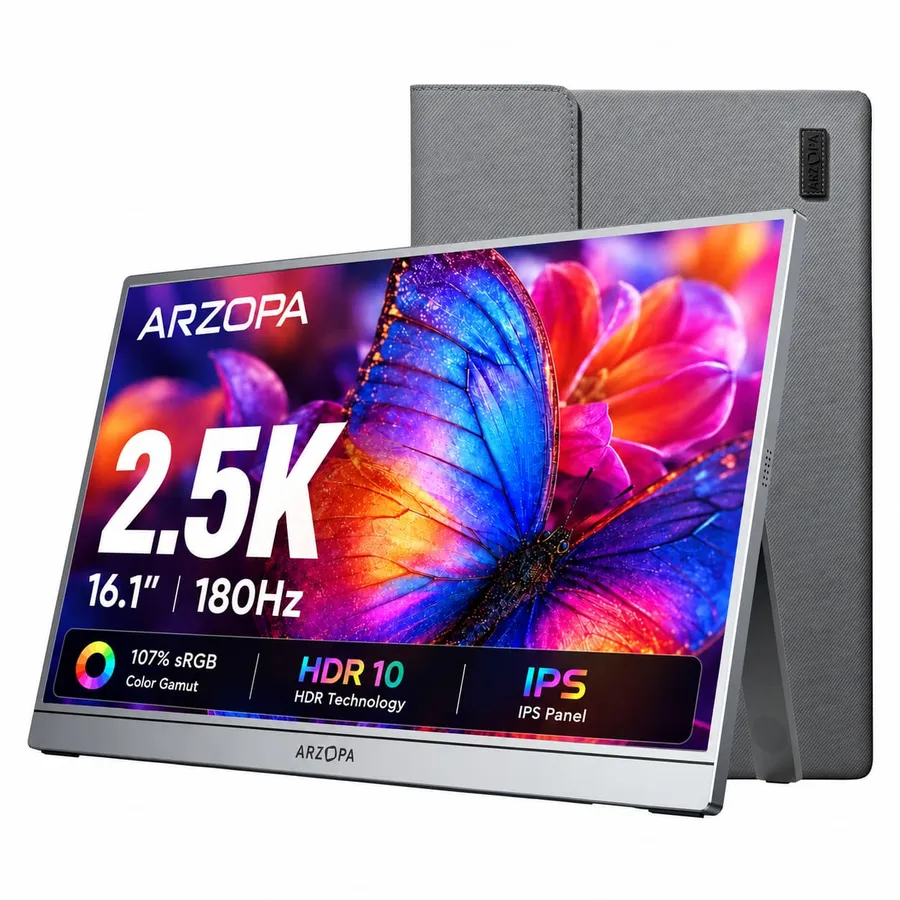 Arzopa Z3FCBest premium Arzopa Z3FCBest premium | about $139.99–$169.99 on Amazon ($239.99 list) | 4.5 | coders, writers and editors who want the sharpest text, and casual gamers playing over USB-C | See price |
You’re on your third hotel desk this month, squinting at one 13-inch laptop screen while dragging the same two windows on top of each other like a tile puzzle. That’s the moment you realize a second screen in your bag would fix your whole workday. Good news: the best portable monitor under $200 actually costs a lot less than $200. The good ones now sit closer to $100, and the spec sheets look like what mid-range desk monitors had a few years ago.
We read the reviews, compared the spec sheets and checked current Amazon prices so you can buy once and get back to work.
How we chose (and what to look for in a portable monitor for a laptop)
We didn’t physically test these monitors. We read lab reviews from PCWorld, Tom’s Hardware, TechRadar, How-To Geek and ServeTheHome and kept the picks that reviewers consistently praised. Then we checked that each one has a real, current Amazon listing under our price cap. We cared about four things:
- One-cable setup. The dream is a single USB-C cable carrying both video and power. That only works if your laptop’s USB-C port supports DisplayPort Alt Mode, which is usually shown by a small DisplayPort or Thunderbolt icon next to the port. PCWorld recommends looking for DisplayPort Alt Mode plus USB Power Delivery. If your port can’t do that, you’ll need the mini-HDMI input and a separate power cable.
- Panel quality. IPS, 1080p at minimum, and honest color coverage figures.
- Stand design. A built-in kickstand beats a floppy folio cover every time.
- Real-world price. That means what the monitor actually sells for, not the list price printed on the box.
A quick note for Mac users: some base-chip MacBooks officially support only one external display. Check your exact model on Apple’s tech specs page before you plan a three-screen setup on a café table.
Arzopa Z1FC: the best budget portable monitor for most people
This is the one to buy if you don’t want to think any more about it. You get a 16.1-inch 1080p IPS panel, a 144Hz refresh rate, a claimed 106% sRGB color coverage, and a kickstand built into the back, with USB-C and mini-HDMI inputs. PCWorld named it the best budget portable monitor and said its picture can hold its own against models costing $300 or more. ServeTheHome found it for about $109, and PCWorld has reported deals under $100.
The catch: it’s sold as a “gaming monitor,” but PCWorld found it better suited to everyday work than to serious gaming. Think of 144Hz as a nice extra for smooth scrolling, not a reason to cancel your console plans.
MSI Pro MP165 E6: the cheapest portable monitor worth buying
The MSI is the plain, sensible option. It has a 15.6-inch 1080p IPS screen at 60Hz, with two USB-C ports and an HDMI port. It comes with a protective sleeve and all the cables you need. How-To Geek liked its sturdy stand and found that the matte screen holds up well in bright light. It also has VESA mounting holes and a tripod socket, so it can go on a wall, a tripod or a demo table. Its list price is $95, but it has regularly sold for $65 to $80.
The catch: the picture is merely acceptable. How-To Geek called the color “not great” and the contrast poor, and TechRadar measured brightness topping out around 250 nits. That’s fine for spreadsheets and Slack, but bad for photo editing. PCWorld also lists only 15W of power delivery on its USB-C ports, so don’t expect it to charge your laptop.
Arzopa Z3FC: the best premium pick under $200
If you stare at text all day, this is the upgrade worth paying for. The Z3FC packs a 2560×1440 resolution into the same 16.1-inch size, with a 180Hz refresh rate, FreeSync, a claimed 107% sRGB and 400 nits of brightness. TechRadar calls it their top-rated portable monitor, and SFGate named it best overall. ServeTheHome called it one of the cheapest QHD portable monitors on the market, having found it for $143 on Amazon.
The catch: Tom’s Hardware notes that 180Hz only works over USB-C. Over HDMI it drops to 144Hz, so a console or an older laptop won’t get the full refresh rate. Also ignore the $239.99 list price; it typically sells for $139.99 to $169.99 on Amazon. If you see it over $200, wait.
The nits (for all three): the built-in speakers are only good for notification sounds, and USB-C cables vary a lot in quality. If the screen flickers or won’t wake up, try a different cable before you blame the monitor.
Who should skip a portable monitor entirely?
If your laptop never leaves the desk, a regular 24-inch monitor gives you more screen, better brightness and a proper stand for similar money. Photographers and video editors who need accurate color should save for a calibrated display. None of these budget panels are made for color-critical work, and reviewers say so. And if your laptop’s USB-C port doesn’t support video, factor in the hassle of HDMI plus a separate power cable before you decide a portable monitor is worth it.
Bottom line: which portable monitor under $200 should you buy?
- Buy the Arzopa Z1FC if you want one dependable second screen for work and travel at around $100–$130. It’s the right answer for most people.
- Buy the MSI Pro MP165 E6 if you just need more room for email, docs and spreadsheets and want to spend as little as possible. Wait for it to drop near $65.
- Buy the Arzopa Z3FC if you read a lot of text, code or timelines and want sharper text and the smoothest motion, but only at $170 or less.
Whichever you choose, check that your laptop’s USB-C port supports DisplayPort Alt Mode first. That one check is the difference between a one-cable setup and a tangle of cables.
Skip it if
- You do color-critical photo or video work. Budget panels have mediocre color coverage and contrast.
- You work in bright sunlight or outdoors most of the time. These screens top out around 250–400 nits.
- Your laptop's USB-C port doesn't carry video and you don't want to deal with HDMI plus a power brick.
- You never leave your desk. A regular 24-inch monitor gets you more screen for the money.
Money tip
Don't pay list price for any of these. The MSI has dropped to about $65 around Prime Day and Black Friday, the Z3FC has sold for $139.99 on Amazon, and its $239.99 official list price is a number nobody actually pays.
The picks, in detail
1. Arzopa Z1FC
Best overallA 16.1-inch 1080p IPS panel at 144Hz with a claimed 106% sRGB and a built-in kickstand, at a price that undercuts screens with similar pictures. PCWorld's pick for best budget portable monitor, and the easiest recommendation in this category.
- Best for
- laptop workers and frequent travelers who want one reliable second screen
- The catch
- marketed for gaming, but reviewers found it better suited to everyday work
2. MSI Pro MP165 E6
Best valueA light 15.6-inch 1080p screen with a sturdy stand, a matte finish that copes with glare, VESA mounting and a tripod socket, plus a sleeve and cables in the box. It's the cheapest way to double your screen space without ending up with junk.
- Best for
- budget buyers who mostly work with docs, email and spreadsheets
- The catch
- mediocre color, poor contrast and about 250 nits of brightness
3. Arzopa Z3FC
Best premium2560×1440 resolution, 180Hz and a claimed 400 nits in a 16.1-inch body, for a price closer to the 1080p crowd. TechRadar rates it their top portable monitor, and text looks noticeably sharper.
- Best for
- coders, writers and editors who want the sharpest text, and casual gamers playing over USB-C
- The catch
- 180Hz only over USB-C (144Hz over HDMI), and the list price is over $200, so only buy it on sale
Questions people ask
What is the best portable monitor under $200?
The Arzopa Z1FC is the best portable monitor under $200 for most people. It has a 16.1-inch 1080p IPS screen, a 144Hz refresh rate, a claimed 106% sRGB color coverage and a built-in kickstand, and it usually costs $100 to $130. If you want a sharper picture, the 2.5K Arzopa Z3FC often sells for under $170. If you want the lowest price, the MSI Pro MP165 E6 often drops below $80.
Is a portable monitor worth it?
Yes, if you work away from a desk. A second screen means you can keep notes, chat or reference material open without constantly switching windows on a small laptop screen. Good models now cost around $100. If you always work at the same desk, though, a regular 24-inch monitor gives you a bigger, brighter screen for similar money.
Can a portable monitor run off one USB-C cable?
Yes, if your laptop's USB-C port supports DisplayPort Alt Mode and can supply enough power. In that case one cable carries both video and power. Look for a DisplayPort or Thunderbolt icon next to the port, or check your laptop's spec sheet. If the port only handles data and charging, you'll need HDMI and a separate power source.
Do portable monitors work with a MacBook?
Yes. Most USB-C portable monitors work with MacBooks over a single USB-C or Thunderbolt cable. The limit is how many displays your Mac supports: some base-chip MacBooks officially allow only one external display. Check your model on Apple's tech specs page before buying a second or third screen.
Which is better, a 1080p or 2.5K portable monitor?
A 2.5K monitor is better if you read a lot of text, code or editing timelines. At 16 inches, the extra pixels make text noticeably sharper. A 1080p monitor is better if you want the lowest price and mainly use it for email, chat and documents. The Arzopa Z3FC is the 2.5K pick here, and the Z1FC is the 1080p pick.
Is 144Hz worth it on a portable monitor?
It's a nice extra, not essential. Higher refresh rates make scrolling and cursor movement smoother, but for office work 60Hz is perfectly usable. Gamers benefit most. If you're buying the Arzopa Z3FC for its 180Hz, note that it reaches 180Hz only over USB-C and drops to 144Hz over HDMI.
P.S. You read the whole thing, which means you care. Arzopa Z1FC is the one, or MSI Pro MP165 E6 if you're watching the budget.
Get the next verdict on Telegram